★ YEARBOOK ARTWORK — BUILD IT YOUR WAY
Design your yearbook with Picaboo
Browser-based, beginner-friendly. Drag-and-drop templates, real-time team collaboration, and direct PDF export. The most popular choice for school yearbook teams.
Get a FREE Quote!
Fast, Guaranteed Turnaround
1 - 2 weeks is all it should take from artwork approval.
Australian Made and Delivered
With production facilities in NSW, VIC and QLD, we are never far away.
Set Pricing, Zero Surprises
Strait up — no hidden fees, no last-minute variations.
Artwork Review & Expert Help
Print-ready artwork? Our team reviews your artwork for free.
Jump to what you need:
Design your way
Using Picaboo
Picaboo Yearbook Software
Purpose-built for school yearbooks, Picaboo lets you divide pages between team members and import photos directly from your school photographer. Free phone support is included, and the themed templates make getting started simple.
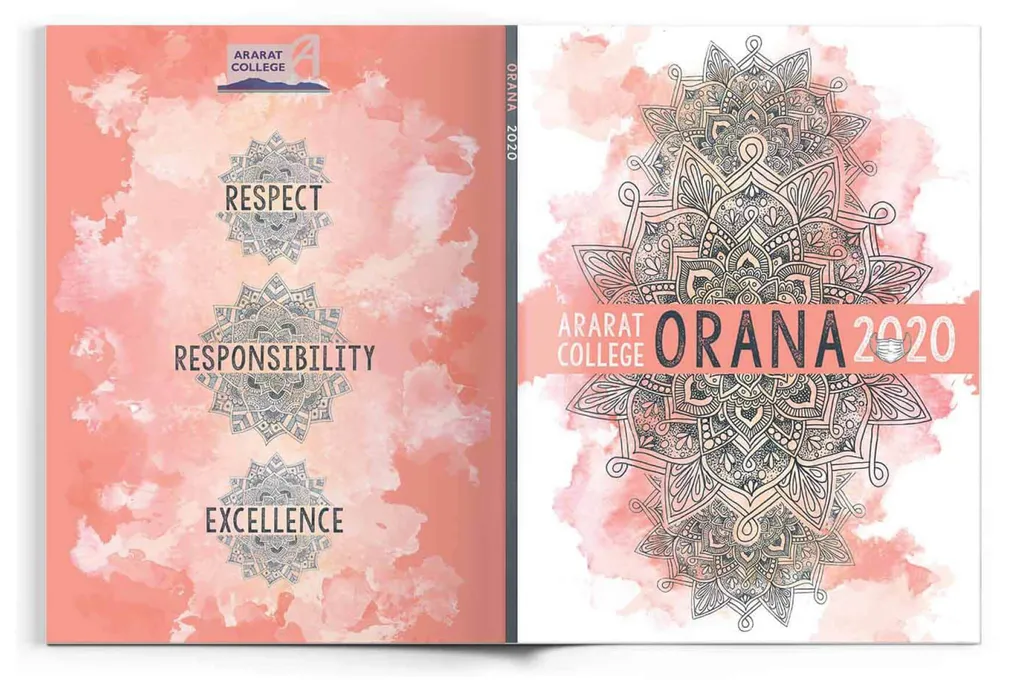
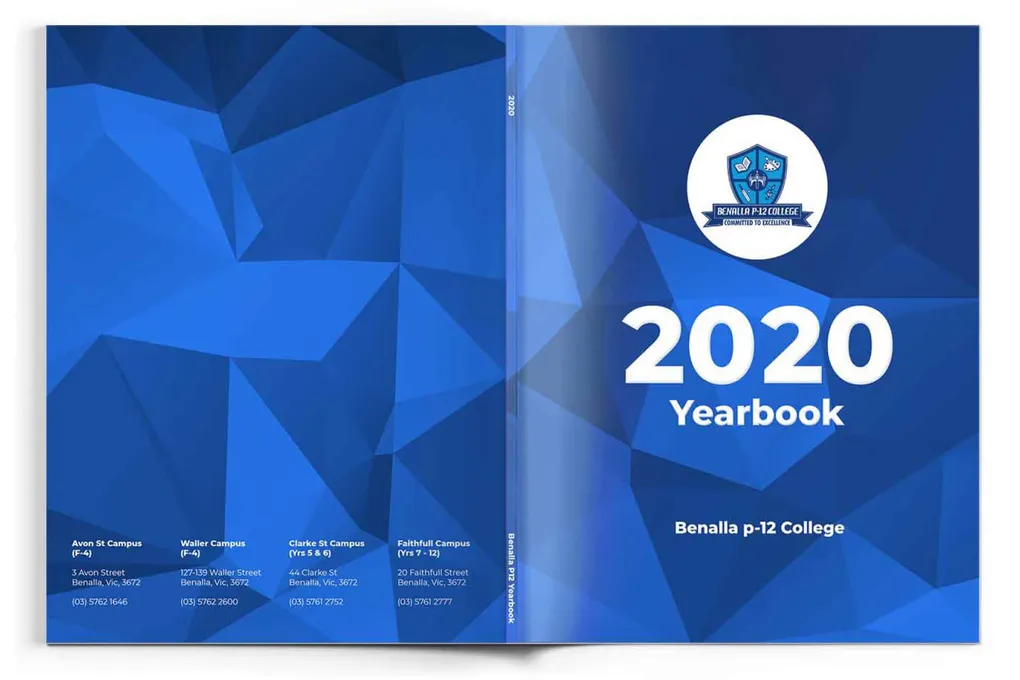
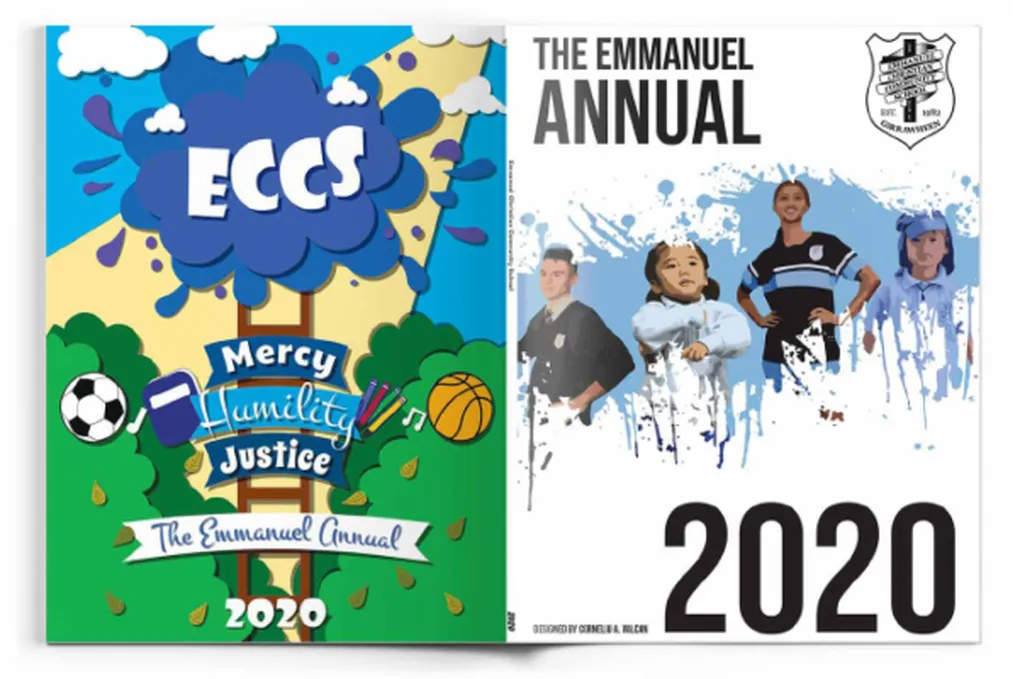
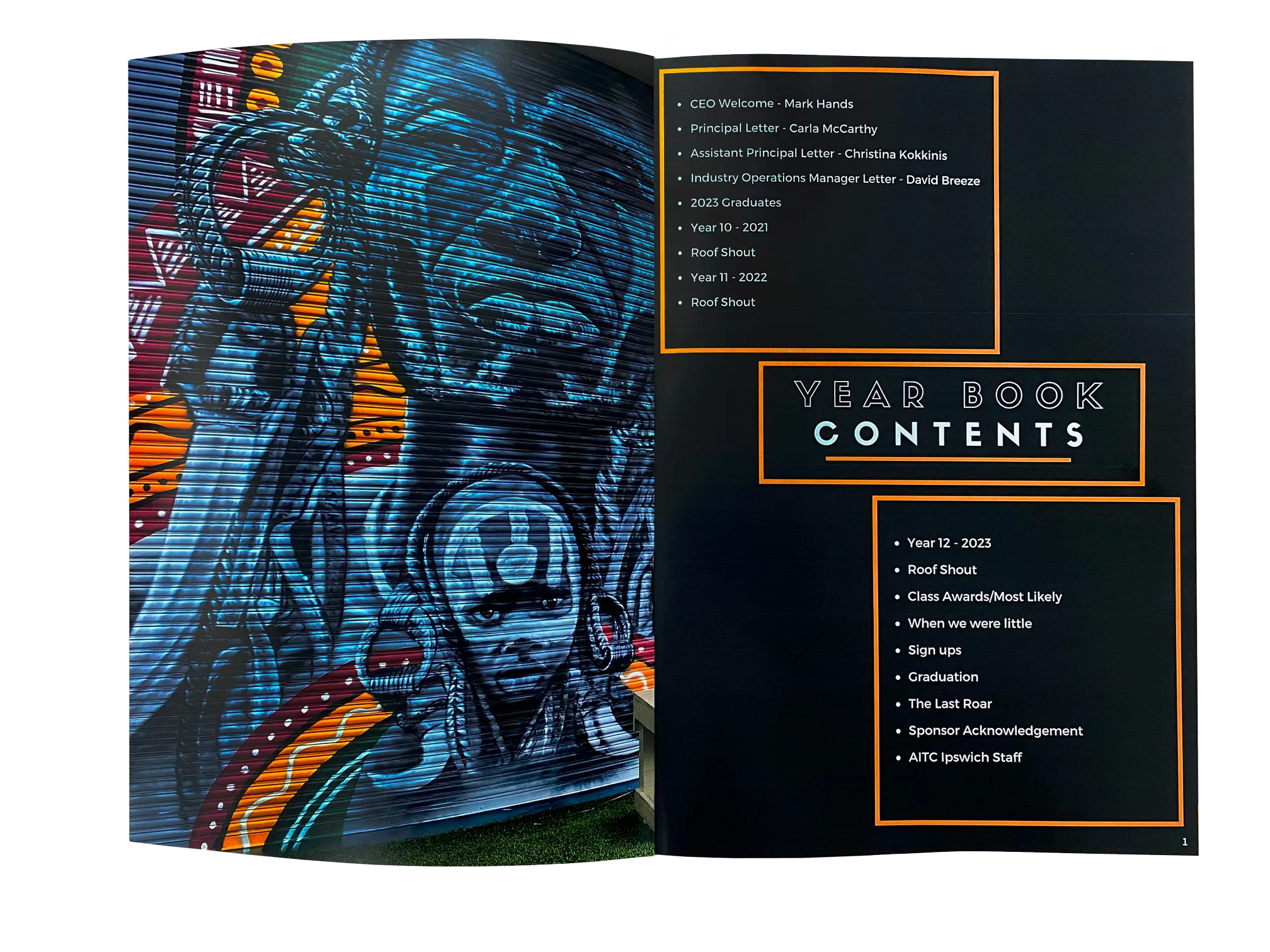
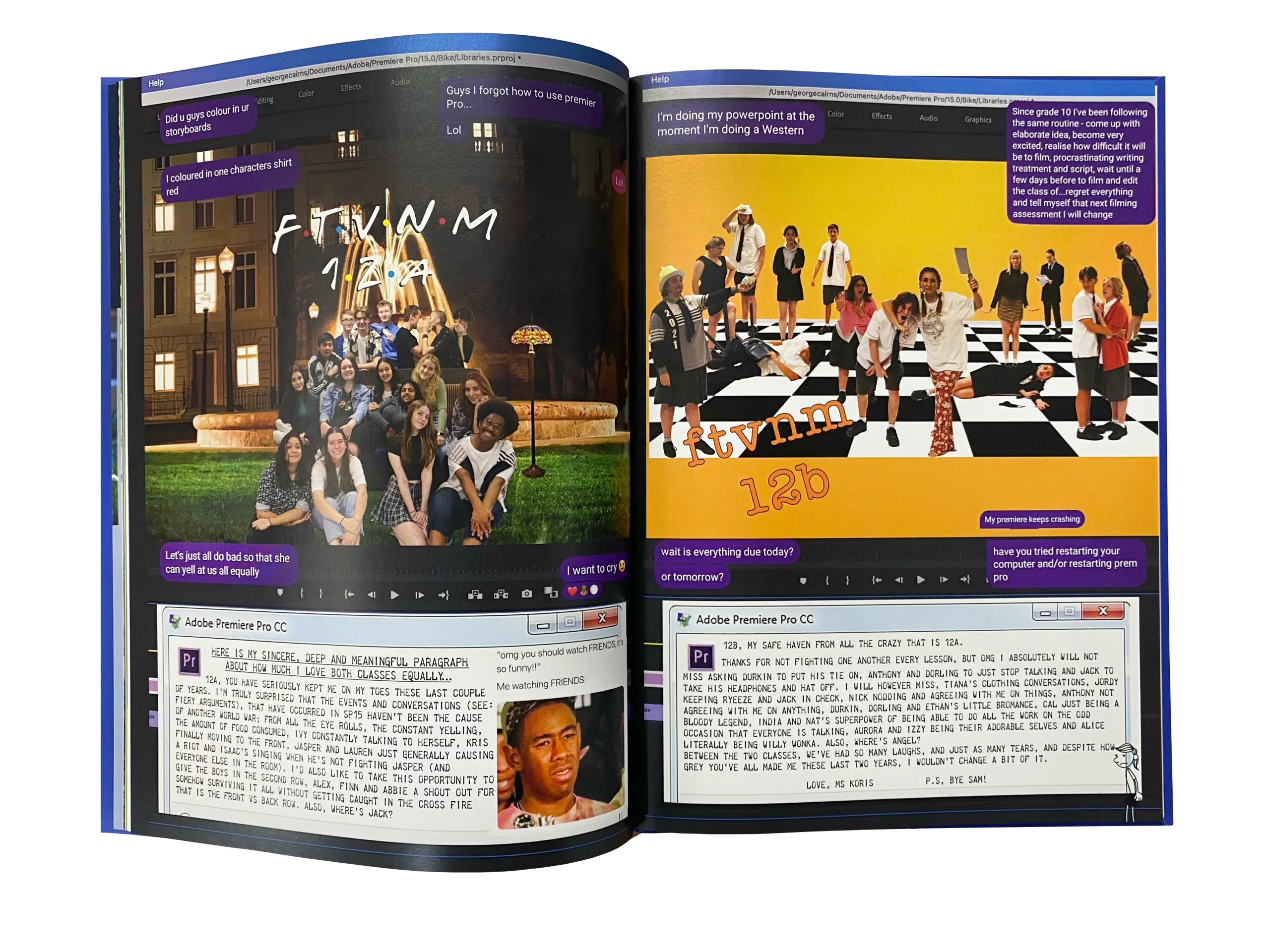
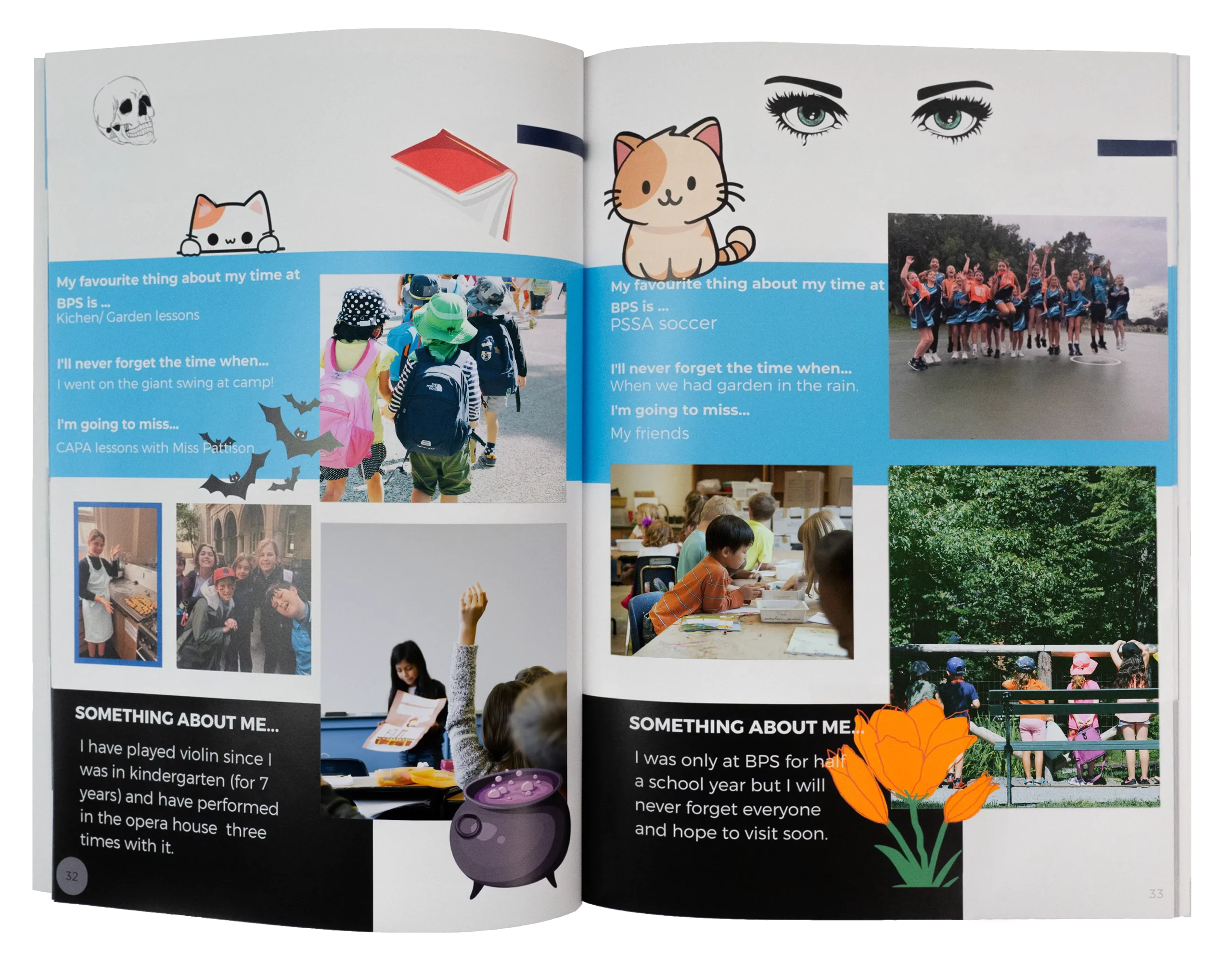
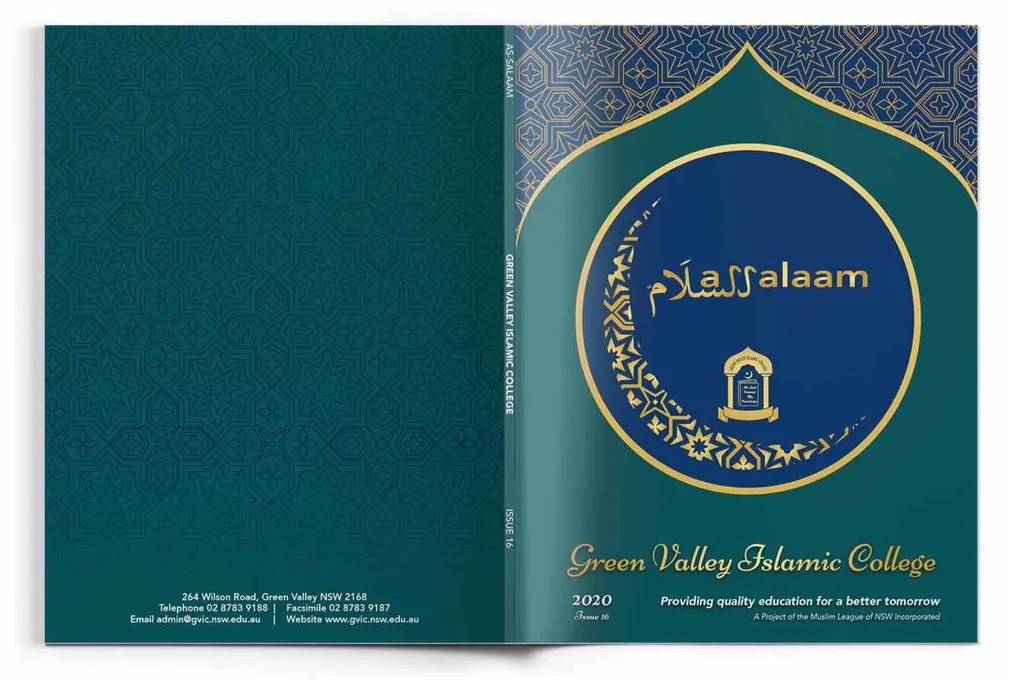
20+
Years Serving Australian Schools
3+
1WK
Print from Artwork Approval
1 Quote
We Quote Best, First Time Around
Dedicated Yearbook Software
For only $69.95
There's no single right answer — it depends on your team's experience, your school's resources, and how much control you want over the design process. Here's a breakdown to help you decide.
All-in-One · Online · Purpose-Built
Picaboo's Creator Studio is built specifically for school yearbooks. It handles design, collaboration, photo management and sales — all in one platform. You can also bring in pages designed in Canva or InDesign.
- Purpose-built yearbook software with pre-made templates
- Handles portrait pages, photo grids and class layouts
- Import your Canva pages directly into Creator Studio
- Built-in online yearbook store — sell directly to families
- Dedicated account manager for every school
- Design partially in Canva, finish in Picaboo — no duplication
- Works best when used alongside Canva for cover and feature pages.
- Our most comprehensive yearbook solution — software plus print.
COMPLETE SOLUTION
You don't need to setup print specifications with Picaboo, because we do it for you.
📘 USING PICABOO
Purpose-built yearbook software — designed for schools.
Picaboo's Creator Studio is a dedicated online yearbook platform with everything built in — templates, photo management, portrait layouts, stickers, backgrounds and a built-in store to sell books to families. You can design everything in Creator Studio, or mix it with Canva for the best of both worlds.
Academic Media partners with Picaboo to provide a complete yearbook solution — software, printing and support all in one.
SIDE BY SIDE
Canva vs InDesign vs Picaboo — at a glance.
Not sure which to choose? This table covers the key differences across the three tools to help you make the call.
Canva
Free / Edu plan
Beginner-friendly
Browser-based
Real-time team collaboration
Templates - Via Academic Media!
Manual class photo layouts
PDF export with crop marks
Academic Media guides available
Picaboo
Included with print
Beginner-friendly
Browser-based
Real-time team collaboration
Templates - Via Academic Media!
Auto class photo layouts
PDF export with crop marks
Academic Media guides available
InDesign
Adobe subscription
Advanced
App
Team Dependent
Templates - Via Academic Media!
Manual class photo layouts
PDF export with crop marks
Academic Media guides available
General best practices
Tips for a print-ready yearbook
These apply no matter which software you're working in including Picaboo. Follow them and your yearbook will come back from the press looking exactly as you expected.
01
Always Work at the Right Size
Speak with us if you have something different to the standard portrait yearbook layout as we set this up for you if you use Picaboo.
02
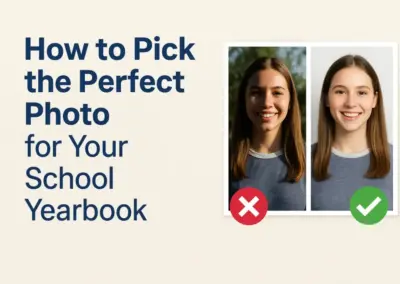
Use High-Res Photos — Always
03
Keep Text Inside the Safe Zone
04
Extend Backgrounds to the Bleed
05
Design Covers as a Separate File
06
Proof a Printed Copy Before You Submit
Picaboo Resources
Designing in Picaboo?
Explore our Picaboo Resource Centre – your go-to hub for everything you need to design like a pro. From downloadable templates and step-by-step how-to guides to print ready advice and insider software tips, we’ve packed it with tools to help you bring your yearbook vision to life.
Did you know we have an online yearbook pricing calculator?
Get a free, no-obligation quote today. Our team usually responds within one business day — and we're always happy to talk through your options, no pressure.
How it works
From first conversation to yearbooks in hand — it's easier than you think.
We've streamlined the process so that whether this is your first yearbook or your tenth, you always know exactly where you stand.
1.
Get Your Free Quote
We'll come back quickly with clear, fixed pricing.
2.
Design Your Yearbook
Use Canva, Picaboo, InDesign, or any other software.
3.
Approve & We Print
Once you're happy with your artwork, give the go-ahead.
4.
Delivered to Your Door
Most schools receive their order within 1 - 2 weeks of approval.
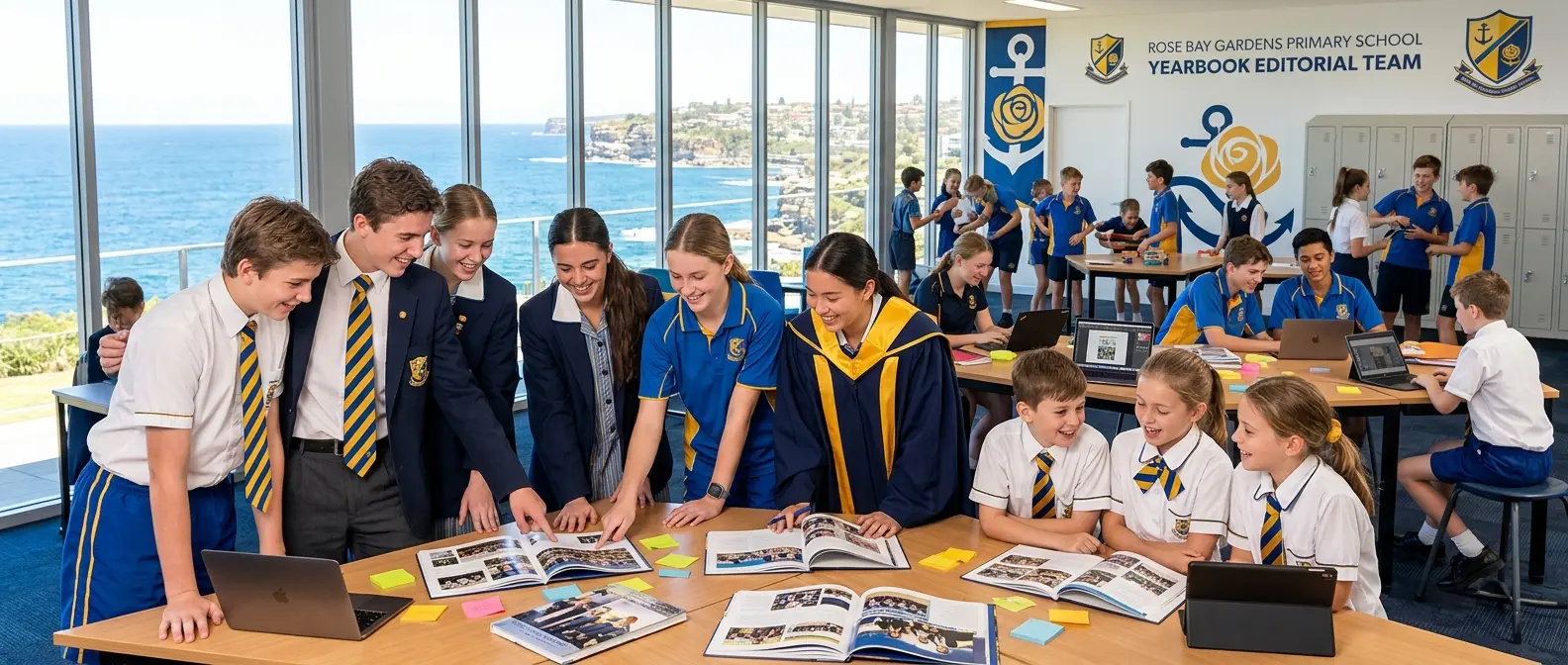
Built for the teacher running it all
We know yearbook coordination sits on top of everything else you're already doing. That's why we make the process as clear and painless as possible — with a dedicated contact, firm deadlines and free help at every stage.
NSW | VIC | QLD | ACT | SA | NT | WA | TAS
"The most reliable yearbook printer we've ever used."
For teachers & year coordinators who need it done right — and on time.
Delivering the yearbook late is worse than forgetting a birthday — and we genuinely get that. Every order is booked into our production schedule in advance, with your dispatch date locked in from day one. No scrambling, no surprises.
- Firm deadlines booked and honoured — not approximate estimates
- Free artwork review so print problems are caught before production
- Change your quantity or page count any time before artwork approval
- Helpful blog, setup guides and a team always happy to assist for free
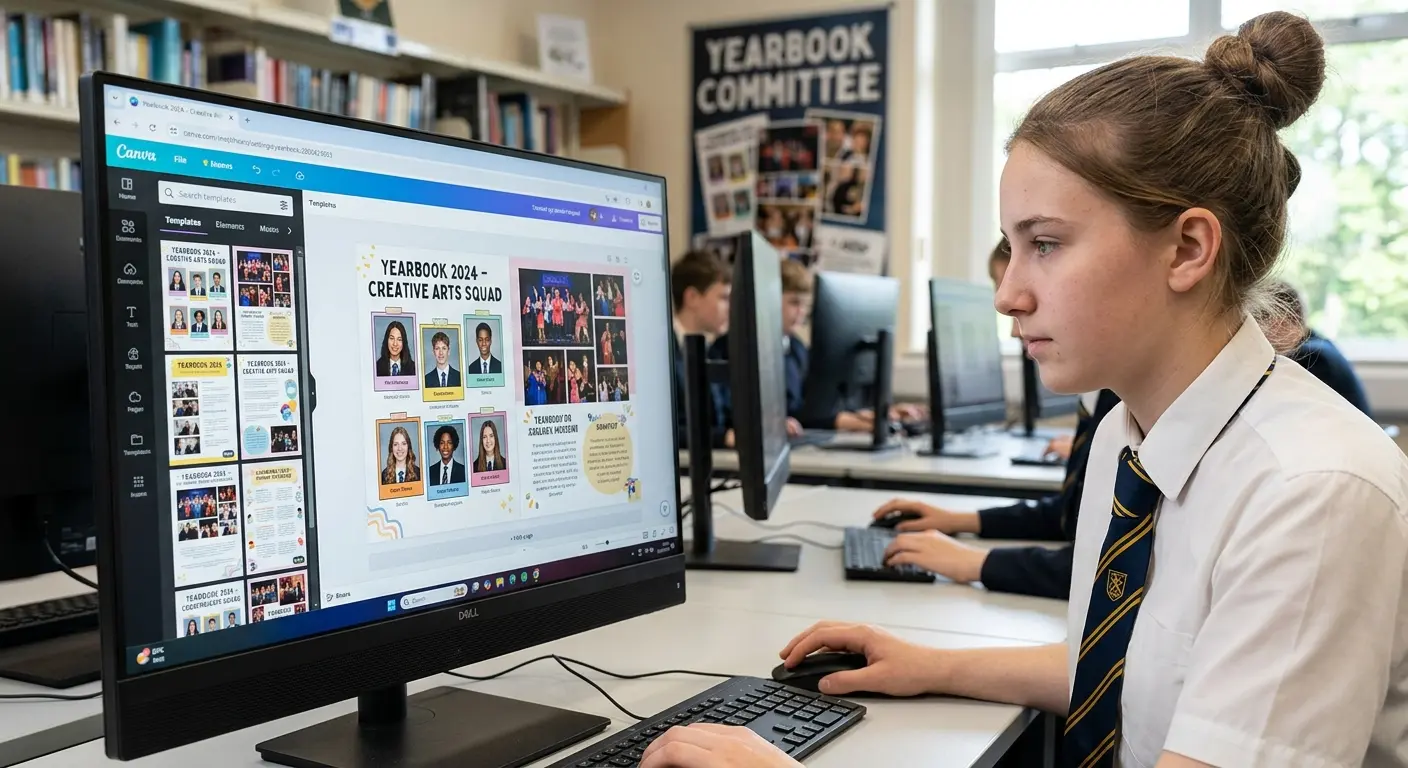
Memories that outlast the school year
A professionally printed yearbook is the one thing from school that stays with you for life. Your photos, your stories, your signatures — held together beautifully in a book that feels like it actually matters.
"Design it yourself — we make it look incredible in print."
Students, this is your book — design it your way.
Whether your class is using Canva (free for schools!), Picaboo's collaborative yearbook software, or Adobe InDesign, we support all of them. You design the pages that tell your year's story — we take care of making them look stunning in print.
- Canva templates ready to go — free for schools, zero design experience needed
- Picaboo lets multiple students work on different pages at the same time
- Import class photos directly from your school photographer in Picaboo
- 128gsm premium paper stock with gloss, satin or uncoated finishes
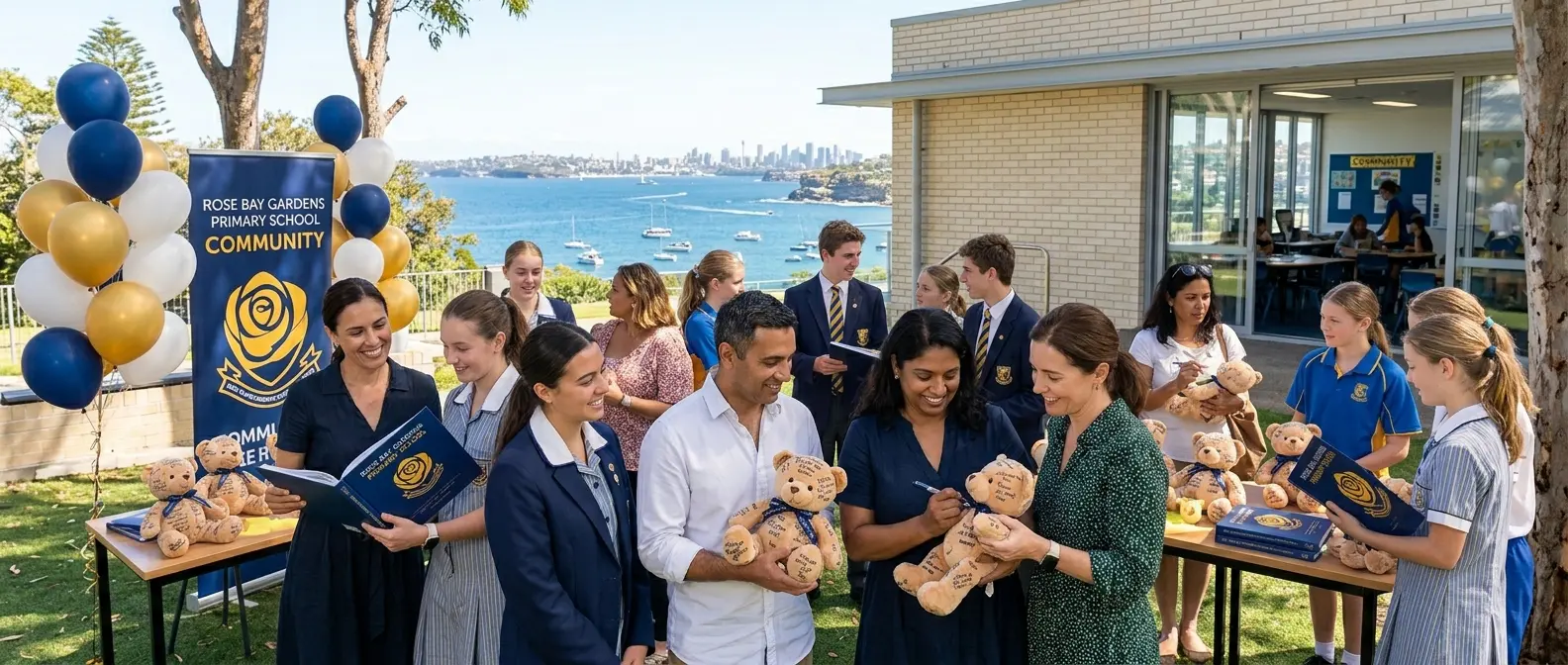
A keepsake the whole family will treasure
A quality school yearbook doesn't just sit on a shelf — it gets taken out, flipped through, and shared with grandparents, friends and family for years to come. Students can also order their own copies directly from us online, taking the admin off your plate.
"Incredible quality, and it arrived exactly when they said it would."
For parents & P&C committees who want the best for their community.
School yearbooks are one of the most meaningful things a P&C can organise. We make it straightforward to fund, manage and deliver — with flexible ordering, direct student purchasing online, and pricing locked in from the start so there are no budget blowouts.
- Students can order and pay for their own yearbooks directly through us
- Flexible quantities — adjust right up until artwork is approved
- Fixed, transparent pricing once you sign the order form
- Hard cover and specialty finish options available for premium editions
READY TO MAKE THIS YEAR'S YEARBOOK
THE BEST ONE YET?
Get a free, no-obligation quote today. Our team usually responds within one business day — and we're always happy to talk through your options, no pressure.
Our Yearbook Formats
From entry-level soft covers to premium hard cover editions with specialty finishes — we have a format for every school and every budget.
Soft Cover
PUR bound (40pp+) or saddle stitched (up to 64pp). 350gsm art card cover with gloss or matt laminate.
Hard Cover
Case bound with PUR or section sewn binding. 170gsm printed wrap over 1mm board, with laminate.
Specialty Covers
Faux leather, cloth over board, deboss stamping, gold or silver foil, soft touch and gloss spot coat.
Full Design Service
We design it for you. Approx. We can do a full design of your yearbook, or part design. It's up to you.
Transparent, fixed pricing
Know exactly what you're paying — before you commit.
Our quotes are detailed, clear and locked in once you sign. No price creep, no vague estimates — just an honest number you can take to your budget meeting with confidence.
- Soft Cover 80 page PUR bound yearbook from only $18.31 each ex GST ex freight, based on 100 copies.
- Hard Cover 80 page PUR bound yearbook from only $37.78 each ex GST ex freight, based on 100 copies.
- Soft cover PUR bound or saddle stitched — your choice
- Hard cover case bound with PUR or section sewn binding
- 128gsm text in gloss, satin or uncoated — premium feel throughout
- Specialty cover finishes: soft touch, foiling, gloss spot coat and more
- Adjust quantity and page count freely until artwork is approved
P&C Fundraising Tip
Did you know students can order and pay for their yearbooks directly through us online? It removes the admin burden from the school entirely and means no chasing up payments. Ask us how to set this up for your school.
READY TO MAKE THIS YEAR'S YEARBOOK
THE BEST ONE YET?
Get a free, no-obligation quote today. Our team usually responds within one business day — and we're always happy to talk through your options, no pressure.
Yearbook Artwork FAQs — your questions answered.
Can I use Canva for free to design a yearbook?
Yes — Canva's free plan is sufficient for designing a yearbook. You can use our free blank yearbook template (with bleed and margins already set up), collaborate with your team, and export as a print-ready PDF. The only limitation is that CMYK colour mode requires a Canva Pro account. On the free plan, export as RGB — we can still print this successfully.
What's the difference between RGB and CMYK — does it matter?
CMYK is the colour mode used by commercial printing presses. RGB is the colour mode used by screens. Because printers can't reproduce every RGB colour, some bright or saturated colours can look slightly different in print. For most school yearbooks the difference is minimal, but if you have a paid Canva or Pro Adobe account, using CMYK throughout gives the most predictable results. We accept both.
What does "bleed" mean, and why does it matter?
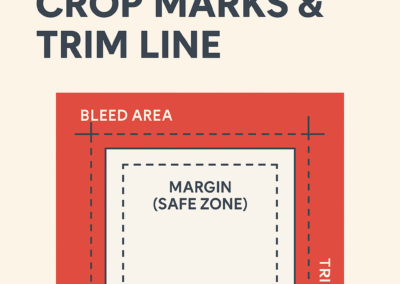
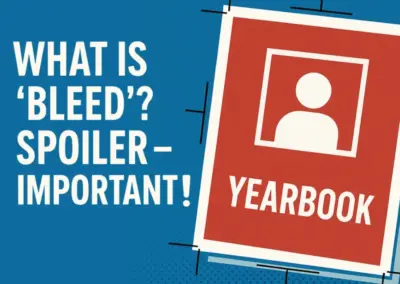
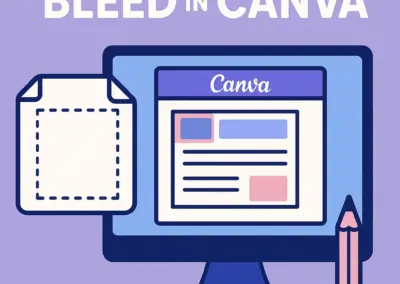
Bleed is the extra area of artwork that extends beyond the final trim edge of the page. It's required because printing and cutting are never 100% perfectly aligned — there's always a small amount of variation. If your background colour or image stops exactly at the trim edge, this variation can result in a thin white gap at the edge of the page. Extending artwork into the 5mm bleed area covers this variation and ensures a clean, edge-to-edge result. See our Understanding Bleed guide for a full visual explanation.
Can I mix Canva and Picaboo in the same yearbook?
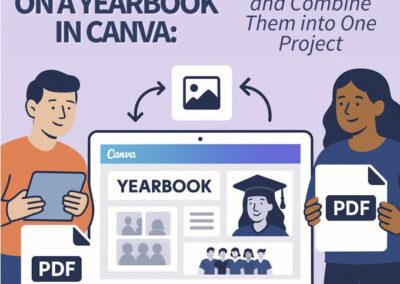
Yes — and it's actually a very popular approach. Many schools use Canva for creative or themed sections (covers, feature spreads, event pages) and Picaboo's Creator Studio for portrait sections and class pages. Picaboo supports direct import of Canva pages, so you can combine both without duplication. See our guide on Importing Canva pages into Picaboo.
How should I export my file from Canva?
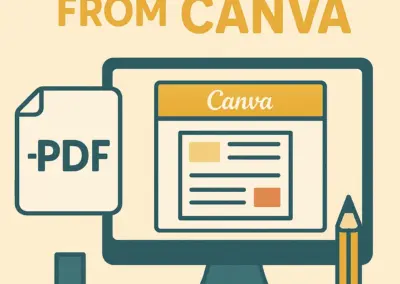
In Canva, go to Share → Download and select PDF Print. Make sure to tick Crop marks and bleed and Flatten PDF. Select RGB (free plan) or CMYK (Pro plan) for the colour profile. Do not use PDF Standard or any image format — only PDF Print produces a print-ready file. See our full Canva export guide for a step-by-step walkthrough.
Can I check my file before submitting?
Yes — we strongly encourage it. Send your PDF to in**@***************om.au before finalising your order and our team will check the file for any obvious issues (missing bleed, low-res images, incorrect page size) at no charge. You can also check crop marks yourself using our guide on viewing trim and bleed marks in Adobe Acrobat Reader.
What if our photos aren't high enough quality?
This is one of the most common issues with school yearbooks. Photos taken on a modern smartphone camera are generally fine at 300 DPI. Photos screenshotted from social media, downloaded from messaging apps like WhatsApp, or pulled from websites are often too low-res for print. As a rule: if it looks blurry or pixelated on your screen at 100% zoom, it will print that way — replace it before submitting. Our team will flag any low-res images we notice when checking your file.
Ready to start building your yearbook?
Get in touch and we'll help you choose the right tool, share our free templates, and guide you through the whole process.
Let's get started
Ready to make your yearbook happen?
Fill in the form and one of our yearbook specialists will be in touch within one business day. Free quotes, no pressure, no obligation — just friendly, expert advice.
- 1300 726 445
- in**@***************om.au
- www.academicmedia.com.au
- Open: 8:30am - 5:30pm
Get a FREE Quote!
Start with some free resources on us!
We have a blog full of resources to start your yearbook, and exclusive items if you join our newsletter!
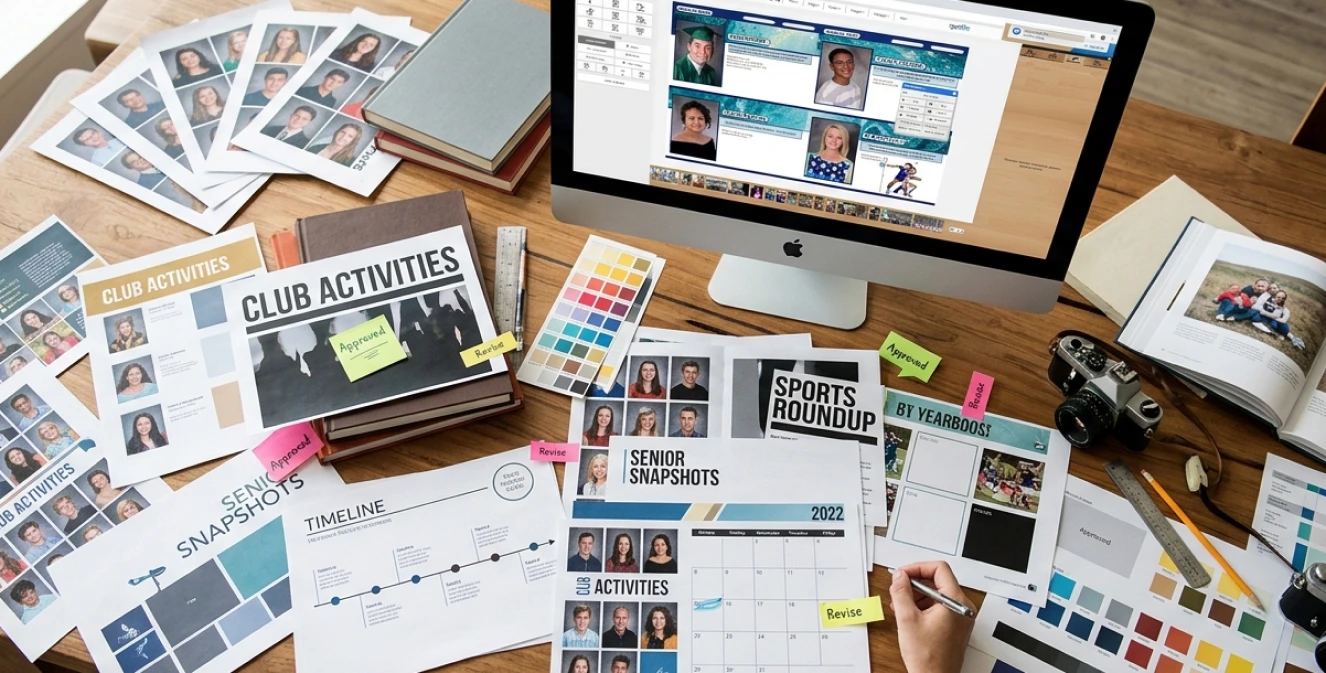
Start with a Template
Starting with a great template saves you time and money.
Need an indicative price right now?
Need some free resources?
Jump to what you need:
Need more resources?
Don't start anywhere. Start here.
Here's everything we have put together to help you throughout your yearbook journey. We know you'll have questions along the way so feel free to get in touch with us, should you have any questions.
STAY IN THE LOOP
Yearbook tips, Canva resources, design ideas and early-bird offers — delivered to your inbox.
Social Media
Feel free to contact us anytime as we are always here to help out where we can.
- Facebook
- Instagram
- Messenger
- Whatsapp