
YEARBOOK SPECIFICATIONS
Below are documents relating to our graphic design specifications and some templates to assist you in creating your own yearbook artwork.
CANVA TEMPLATES
INDESIGN SPECIFICATIONS
YEARBOOK SPECIFICATIONS
SPINE
CALCULATOR
Ready start your yearbooks?
Make your yearbook truly your own with our free templates! At Academic Media, we know every school has its own story, style and personality. Choose one of our ready-made templates, customise it with your colours, photos and ideas, then submit your finished artwork to us.
Select. Create. Submit. It’s that easy!
CANVA TEMPLATES
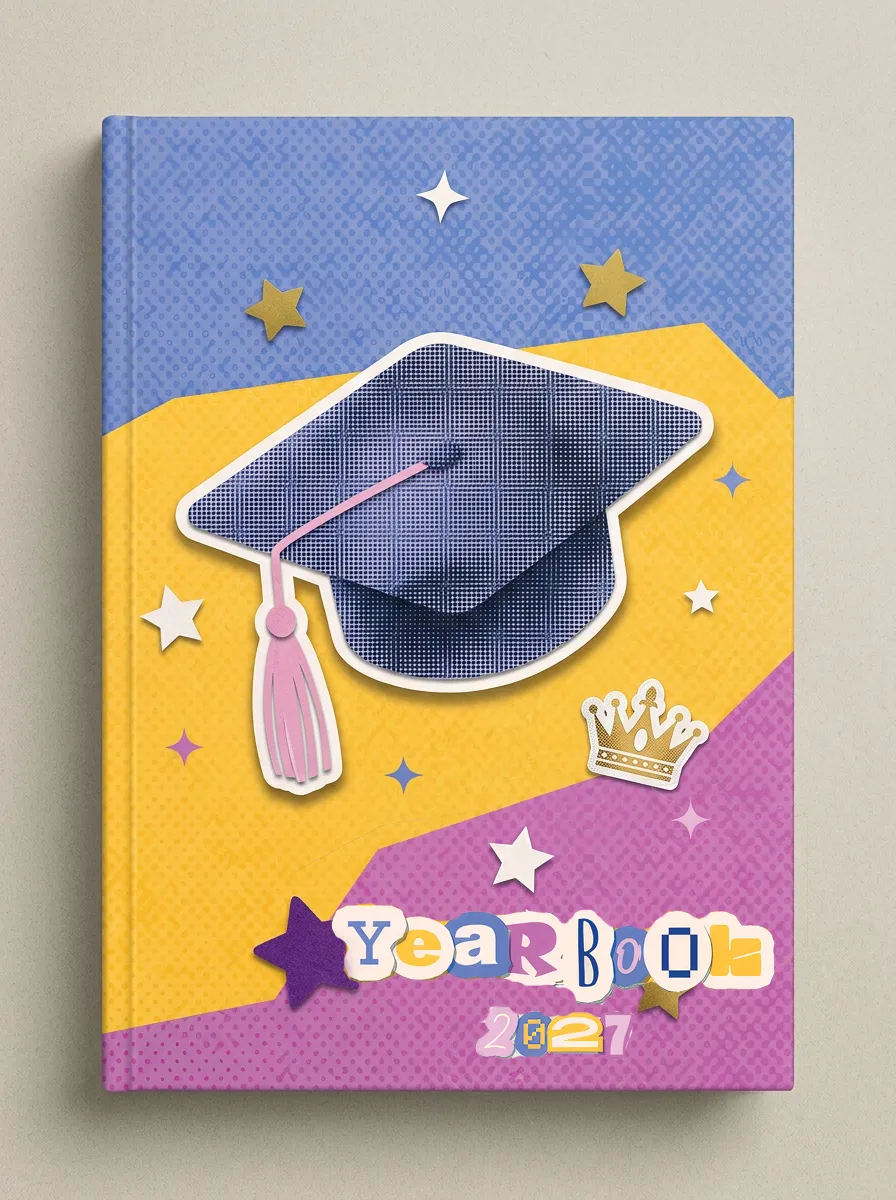
FREE
A4
40 Page Yearbook Template
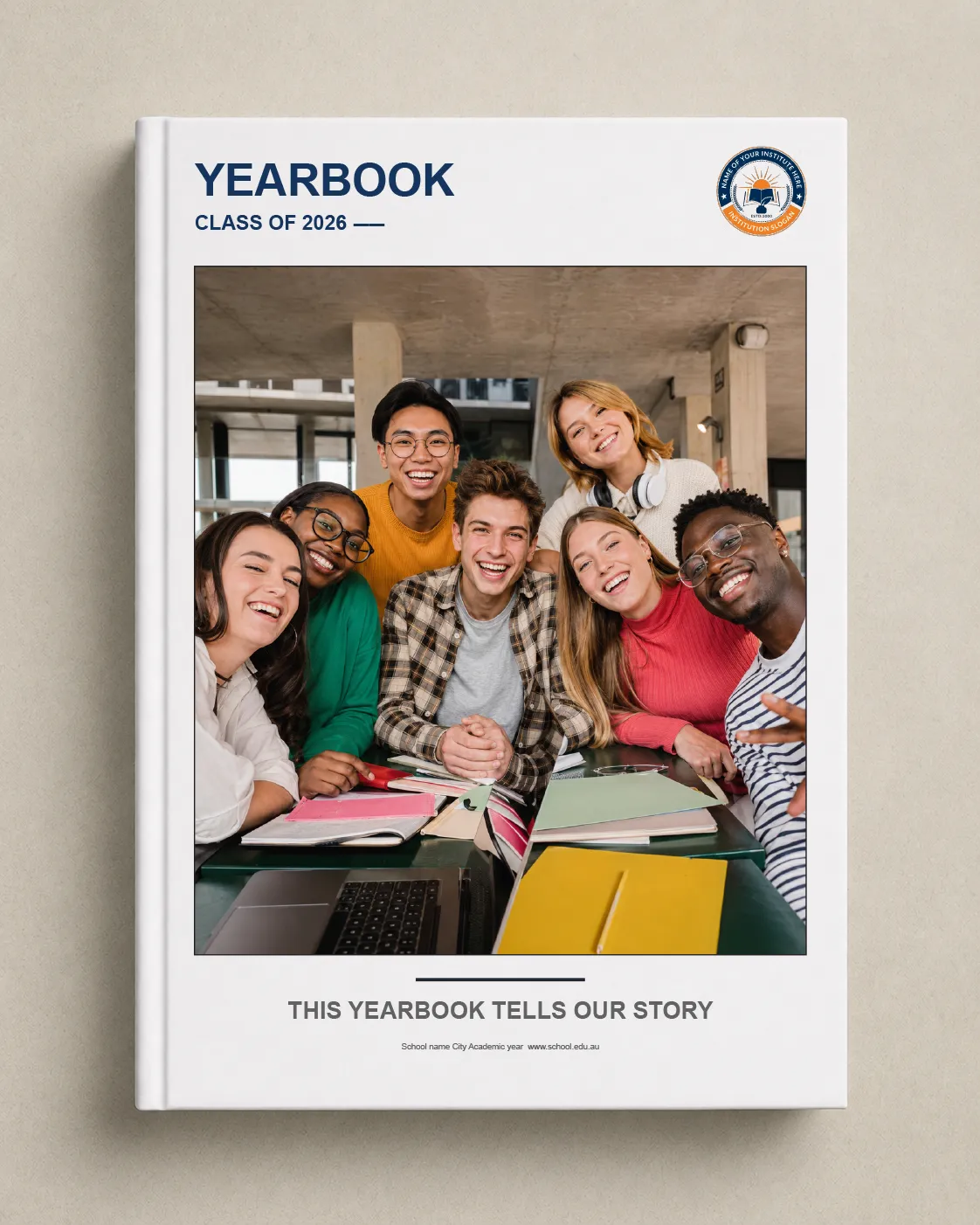
FREE
A4
20 Page Yearbook Template
FREE
A4
100 Page Yearbook (blank)
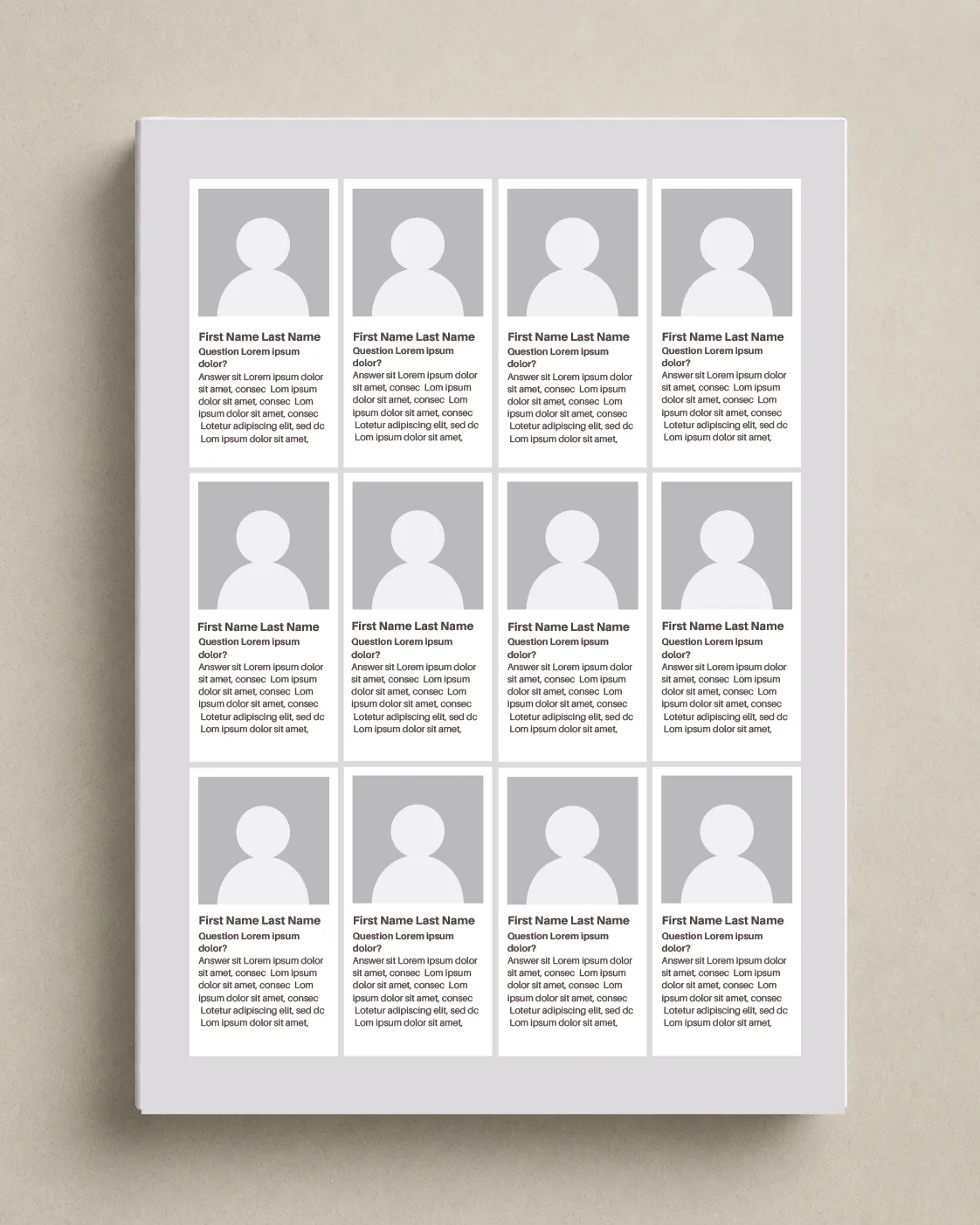
FREE
A4
Student Profile Page
FREE
A4
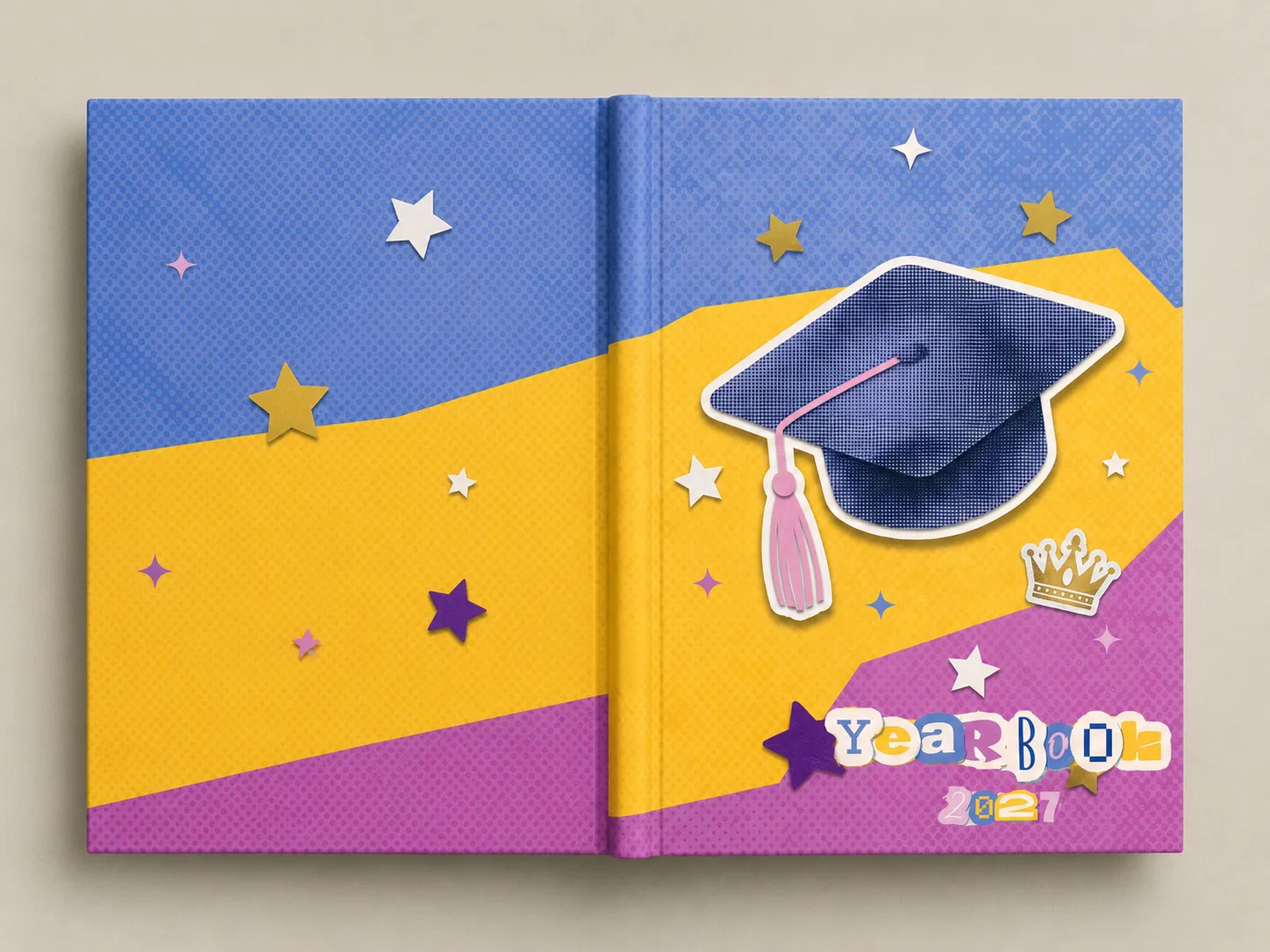
Yearbook Cover 100 PP (blank)
INDESIGN TEMPLATES
FREE
A4
40 Page Yearbook Template
FREE
A4
Yearbook Template
FREE
A4
Yearbook 100 Pages (blank)
FREE
A4
Student Profile Page
FREE
A4
Yearbook Cover 100 PP (blank)
ARTWORK SPECIFICATIONS
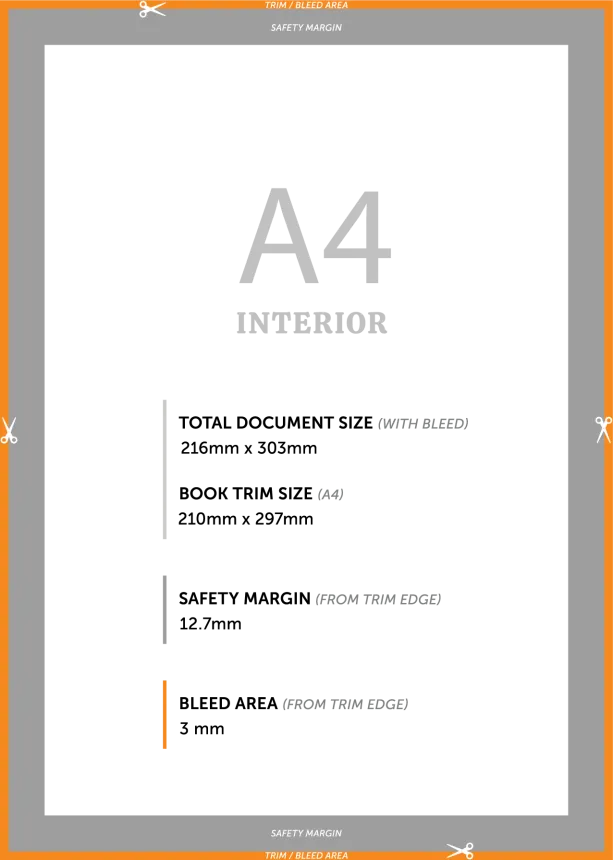
Inside Pages
Page Size: 210 x 297mm
Bleed: 3 mm
Safe Area: 5mm
Total Page Side Safe Area: 12,7 mm
Colour: CMYK
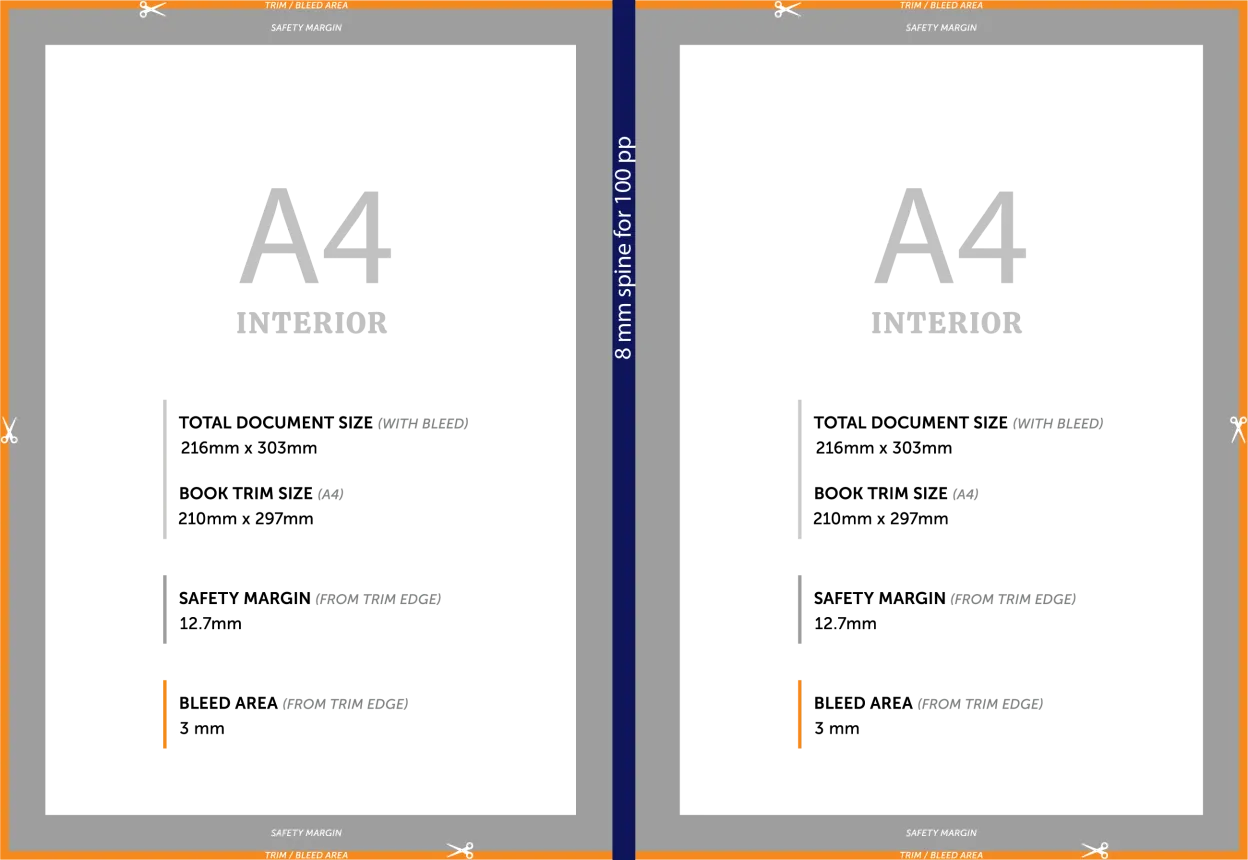
Cover Page
Page Size: 210 x 297mm
Bleed: 20 mm
Safe Area: 5mm
Total Page Side Safe Area: 12,7 mm
Colour: CMYK
Ready start your yearbooks?
OUR YEARBOOKS
HOW IT WORKS
1. Get Excited.
Get a FREE Yearbook How Not to Guide or a Sample with a Qutoe. Chat with us and
2. Start Now
Use Canva, Picaboo, InDesign, or any other software and ask us if your on the right track.
You can also get us to design you yearbook for you too.
3. Get a Quote
Send through your approved artwork, check your final prrof and we'll print it within a week and send it off in time with when you need it.
YEARBOOK
TIPS AND TRICKS
These apply no matter which software you're working in. Follow them and your yearbook will come back from the press looking exactly as you expected.
01
SIZE
Set up your document at A4 (210 × 297mm) with 5mm bleed on all sides from the very start. Resizing at the end causes distortion and misaligned crop marks.
02
PHOTOS
03
TEXT
04
BACKGROUND
05
COVER
06
PROOF READ
Ready start your yearbooks?
YEARBOOK
DESIGN SOFTWARE
CANVA
Canva is free for schools and students, with a range of predesigned yearbook templates ready to customise.
We provide detailed setup instructions, tips and a blog full of guidance to make Canva yearbooks look their absolute best in print.
You can also get us to design your yearbook!
INDESIGN
For schools with design skills and specific branding needs — including Pantone colour matching — InDesign gives you full creative control.
Our team of print experts is on hand to check your files and assist with setup.
You can also get us to design your yearbook!
PICABOO
Purpose-built for school yearbooks, Picaboo lets you divide pages between team members and import photos directly from your school photographer.
Free phone support is included, and the themed templates make getting started simple.
You can also get us to design you yearbook!
GET A YEARBOOK
QUOTE
Send us you're name and email and we'll get in tocuh with you. How else would you know your getting a fair price?
YEARBOOK
FAQS
How fast can you print and deliver my yearbooks?
We aim to dispatch from one week after artwork approval, and we guarantee dispatch within two weeks. All jobs are booked into our production schedule in advance with your deadline locked in, so there are no last-minute scrambles. We use Australia's fastest courier options and same-day dispatch where available.
What software can I use to design my yearbook?
Is there a minimum order quantity?
How does your pricing work — are there hidden costs?
What are the artwork specifications for yearbook pages?
How does your pricing work — are there hidden costs?
What binding options are available for school yearbooks?
Can students order their own yearbooks directly?
Can you professionally design our yearbook for us?
Can't find your answer here? Our team is always happy to help — call us on 1300 726 445 or email in**@***************om.au.
LETS GET STARTED
Ready to make your yearbook happen?
Fill in the form and one of our yearbook specialists will be in touch within one business day. Free quotes, no pressure, no obligation — just friendly, expert advice.
Get a FREE Quote!
STAY IN THE LOOP
Join our newsletter
Special offers. Exclusive discounts. Lucky ribbon and more. Join us at all our events and be a part of something bigger!
Subscribe Now